

Managing properties is no small feat, especially if you’re handling multiple units across different locations. This is where Yardi Property Management Software comes in handy. It’s one of the most powerful and widely used property management solutions in the United States and Canada, helping landlords, property managers, and real estate professionals streamline operations, track financials, and manage tenants efficiently.
If you’re new to Yardi or looking for a better way to optimize your workflow, this guide will walk you through the essentials of using the platform like a pro.
What is Yardi Property Management Software?

Yardi is an all-in-one cloud-based property management platform that helps real estate professionals manage various aspects of their rental properties. Whether you own residential or commercial properties, Yardi provides tools for leasing, accounting, marketing, and maintenance tracking to make property management seamless.
Yardi offers different versions to suit different needs, including:
- Yardi Breeze– Best for small to mid-sized property managers.
- Yardi Voyager– A robust solution for large-scale enterprises.
Each version comes with an array of features that help with rent collection, tenant communications, maintenance requests, and financial reporting.
Getting Started with Yardi:
If you’re just getting started, here’s how to navigate the system and make the most out of it:
Setting Up Your Account:
To use Yardi, you first need an account. Depending on your business size and needs, you may sign up for Yardi Breeze or Yardi Voyager.
Once you have your login details:
- Log in through Yardi’s secure portal.
- Complete your company profilewith business details.
- Configure user roles and permissions if you have a team.
Pro Tip: Yardi’s customer support and onboarding specialists can help you with the initial setup if you need assistance.
User Guide for Yardi Property Management Software:

1. Dashboard Overview
The Yardi dashboard is your central hub for property management tasks. Here’s what you’ll find:
- Quick Links:Access rent payments, lease details, maintenance requests, and reports.
- Notifications:Get alerts for late payments, lease expirations, and maintenance issues.
- Reports Section:View financial summaries, occupancy rates, and revenue trends.
2. Adding a New Property
- Navigate to the Properties
- Click Add New Property.
- Enter property details such as name, address, type, and ownership info.
- Upload lease agreements, tax records, and insurance documents.
- Save changes to add the property to your portfolio.
3. Tenant and Lease Management
- Go to the Tenant Management
- Click Add New Tenant.
- Enter tenant details, lease terms, and rental amount.
- Upload signed lease agreements.
- Assign tenants to specific units and set up automatic reminders for lease renewals.
4. Rent Collection and Payment Processing

- Enable online rent paymentsto accept ACH, credit cards, or electronic checks.
- Set up late fees and automated reminders.
- Generate rent roll reportsto track payment status.
- Process payments and reconcile transactions within the system.
5. Maintenance Request Handling
- Tenants submit maintenance requests through the tenant portal.
- View requests under the Maintenance
- Assign tasks to vendors or internal maintenance teams.
- Track repair costs and job status.
- Notify tenants upon completion of maintenance work.
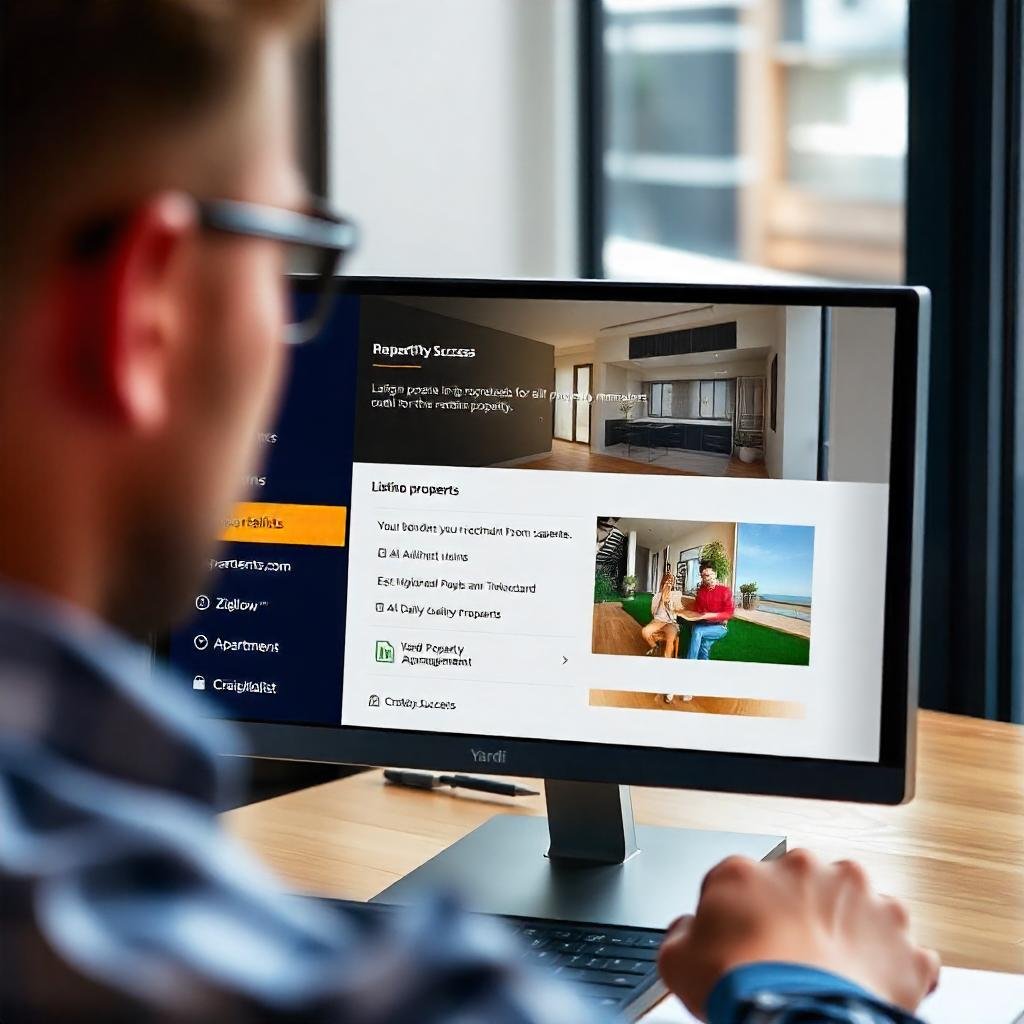
6. Marketing Vacant Units
- List properties on rental platforms like Zillow, Apartments.com, and Craigslist.
- Upload high-resolution images and detailed descriptions.
- Track leads and application statuses within Yardi.
- Conduct tenant screenings directly through the platform.
7. Financial Reporting and Compliance
- Generate income & expense reportsfor property owners.
- View occupancy and vacancy rate reports.
- Manage accounts payable and receivable.
- Ensure compliance with tax reporting and financial audits.
Why Property Managers Love Yardi?
- User-friendly interface – Even if you’re not tech-savvy, Yardi’s dashboard is intuitive and easy to navigate.
- Cloud-based access – Manage properties from anywhere with an internet connection.
- Automation – Reduces manual tasks, allowing you to focus on growing your business.
- Scalability – Whether you manage a few rental units or a large portfolio, Yardi grows with your business.
- Industry compliance – Helps with tax reporting, legal compliance, and tenant screening to keep you on the right side of regulations.
Final Thoughts
If you’re in the property management business, Yardi is a game-changer. It simplifies rent collection, lease tracking, maintenance management, and financial reporting – all in one place. Whether you’re managing a few residential units or an extensive commercial portfolio, Yardi’s tools help streamline operations and boost efficiency.
If you haven’t tried it yet, now’s the time to explore Yardi and take your property management game to the next level!
Have questions about Yardi? Send an email to hello@mostlyproperty.com and we’d be happy to help!
Also read Property Management Business for Sale in Florida: What You Need to Know, How to Sell Your Property Management Business: A Comprehensive Guide